Digital Image Processing (DIP) - Notes
Overview
Digital image processing is the use of a digital computer to process digital images through an algorithm.
Applications
- Classification
- Feature extraction
- Multi-scale signal analysis
- Pattern recognition
- Projection
Fundamentals
- Image : a 2D matrix (m x n , array of pixels)
- types of images :
- RGB(Red Green Blue - original colored image) : 3D (dim (W x H x L)) => 3 channels
- GrayScale (Gradient) : 2D (dim(W x H)) => 1 channel
- PIXEL (Picture ELement): it is the smallest element of a digital image (2D)
- light intensity of some location in the img
- VOXEL (Volumic PIXEL): pixel of a 3D image
GrayScale image (GS) : is one in which each pixel is a single sample representing only an amount of light. GS are composed exclusively of shades of gray, with the contrast ranging from black at the weakest intensity to white at the strongest . - Edge : rapid change in brightness/intensity - Edge Detection : identifying sharp changes in intensity in adjacent(neighboring) pixels
        ^
        |
        +--+-----+---+-----+--+
        |0 | 255 | 0 | 255 | 0|
        +--+-----+---+-----+--+
        + : represents the edge
pixel representations
    [0 0 255 255]
    [0 0 255 255]
    [0 0 255 255]
    [0 0 255 255]
    [0 0 255 255]
    0 ---------> 255
    where :
        0 : Black
        255 : White
- Gradient : measure of change in brightness/intensity over adjacent pixels
- strong gradient (0 - 255)
-
small gradient (0 - 15 ...)
-
Histogram: it is the distribution (frequency) of grayscale (GS) of an image
255
^(Pixels count/frequency)
|                   +
|                 + || +
|     +          +  ||  +
|   + || +      +   ||   +
|  +  ||   + +      ||
|     ||     ||     ||
|     ||     ||     ||
+-----+------+-------+---------> (Gray Levels/intensity)
0                              255
Image Processing Pipeline

Src: SBME tutorials
DIP Operations
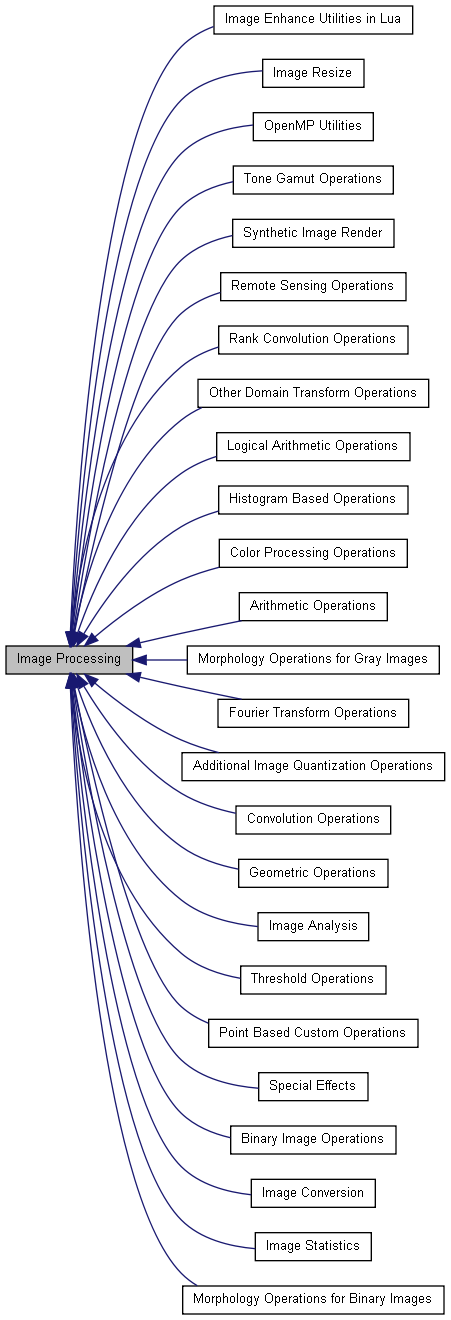
Src: Tecgraf.puc-rio - Img Processing
- Region of interest(ROI): a portion of an image that you want to filter or perform some other operation on
- Segmentation: operation which consists of extracting geometric primitives from an image.
- The most used primitives:
- Segments (outlines)
- Surfaces( regions)
- classification or thresholding
- The most used primitives:
- Calibration: operation which consists in finding the relation between the coordinates in the image and the coordinates in the space of the scene.
- Filter: takes an input image and produces a (cleaner) output image
- LUT(Lool Up Table): conversion table that groups neighboring NG pixels into a single value.
- Matrix with different pixel values
- By doing operations on the LUTs it allows to process the image
-
Recale: geometric transformation technique allowing to go from a source image to a target image (destination)
-
Morphological:
- Skeleton
- Erosion
- Dilation
- Frequency
- Frame
- Equalize
- Opening(object)
- Closure(hole)
- Filter(freq)
- Operators:
- img(src) -> Img(destination)
- img (src) -> information set
- information set -> img(destination)
Algorithms & Techniques
- Anisotropic diffusion
- Hidden Markov models
- Image editing
- Image restoration
- Independent component analysis
- Linear filtering
- Neural networks
- Partial differential equations
- Pixelation
- Point feature matching
- Principal components analysis
- Self-organizing maps
- Wavelets
- ...
Tools & Frameworks
- OpenCV
- Matlab
- CUDA
- Tensorflow
- SimpleCV
- PyTorch: TorchVision
- Keras
- Theano
- EmguCV
- GPUImage
- YOLO
- VXL
- BoofCV
References
Wikipedia - Digital Image - Digital Image Processing (DIP) - Analog Image Processing - Signal Processing Notes - Digital Image Processing Basics - GeeksForGeeks
OpenCV: - Image Processing with OpenCV
Lectures & Online courses: - EE368/CS232: Digital Image Processing - Stanford
Books: - Computer Vision books & resources